Ho! Ho! Ho! TypeIt4Me 7.2 is here in time for the holidays.

Well, jingle our bells! It’s been a little while since we last had anything juicy to report about TypeIt4Me, hasn’t it. December has rolled around frighteningly quickly. Bet you thought we’d keeled over under the pressure to deliver the goods, eh? Not a chance. We’ve just been busy.

In cheery news befitting the festive season: after four months of wrangling with mystery bugs and trying to get our heads around Liquid Glass, TypeIt4Me 7.2 is at last available to download. Those of you who’ve been restlessly awaiting a Tahoe-optimised tune-up can finally exhale. Here’s the customary round-up of everything this latest update brings to the table.

What’s New and Improved in TypeIt4Me 7.2 (238):

Cosmetic changes, under-the-hood tweaks and added features:
  • TypeIt4Me has been re-compiled and optimised for macOS 26 Tahoe, with UI tweaks to accommodate the new look Apple introduced in its latest system. The app icon will also properly adapt to your chosen Appearance settings in the Dock (clear, tinted etc).
  • The delete button in the toolbar above the snippet list column has been replaced with an expanded action menu with the following options:

Sort By
Show Duplicates / Show All Snippets
Move to
Copy to
Duplicate
Delete

  • You can now swipe to delete snippets.
  • There’s better support for nesting snippets. You can now insert a snippet from any set, not just the currently selected one.
  • Management of duplicate snippets is much improved and there’s automatic disambiguation of unique identifiers.
  • By very popular request, there’s now bigger text in the Abbreviation, Label and (plain) Snippet content fields, so you won’t have to squint so much.
Fixed:
  • We squashed a bug that could prevent enabling or disabling the iCloud sync option on macOS 26 Tahoe.
  • Snippets now correctly expand in uppercase when Caps Lock is on.
  • Inclusion of a vertical pipe character no longer causes rich snippets to expand as plain text.
  • The special “Paste clipboard here” function now works again in rich snippets.
  • The sort order of the set that you click last before closing the main TypeIt4Me window no longer changes the sort order for all the other sets in the point and click menu.
  • The “Open backups folder” buttons in Settings > Backups now work correctly on macOS Tahoe.
  • When the abbreviation for a rich snippet contains 2 or more numbers, the snippet no longer incorrectly expands in all caps.
  • The “strip ’s’ for plurals” expansion setting now works for rich snippets as well as plain.
  • Switching to a different set while in “show duplicates” view now correctly refreshes the snippets list.
  • Dock / menu bar icon display settings now behave correctly on macOS Tahoe. You don’t need to relaunch the app for changes to take effect.
  • Abbreviations that contain previously problematic diacritics and accented characters (e.g. û) will now expand.
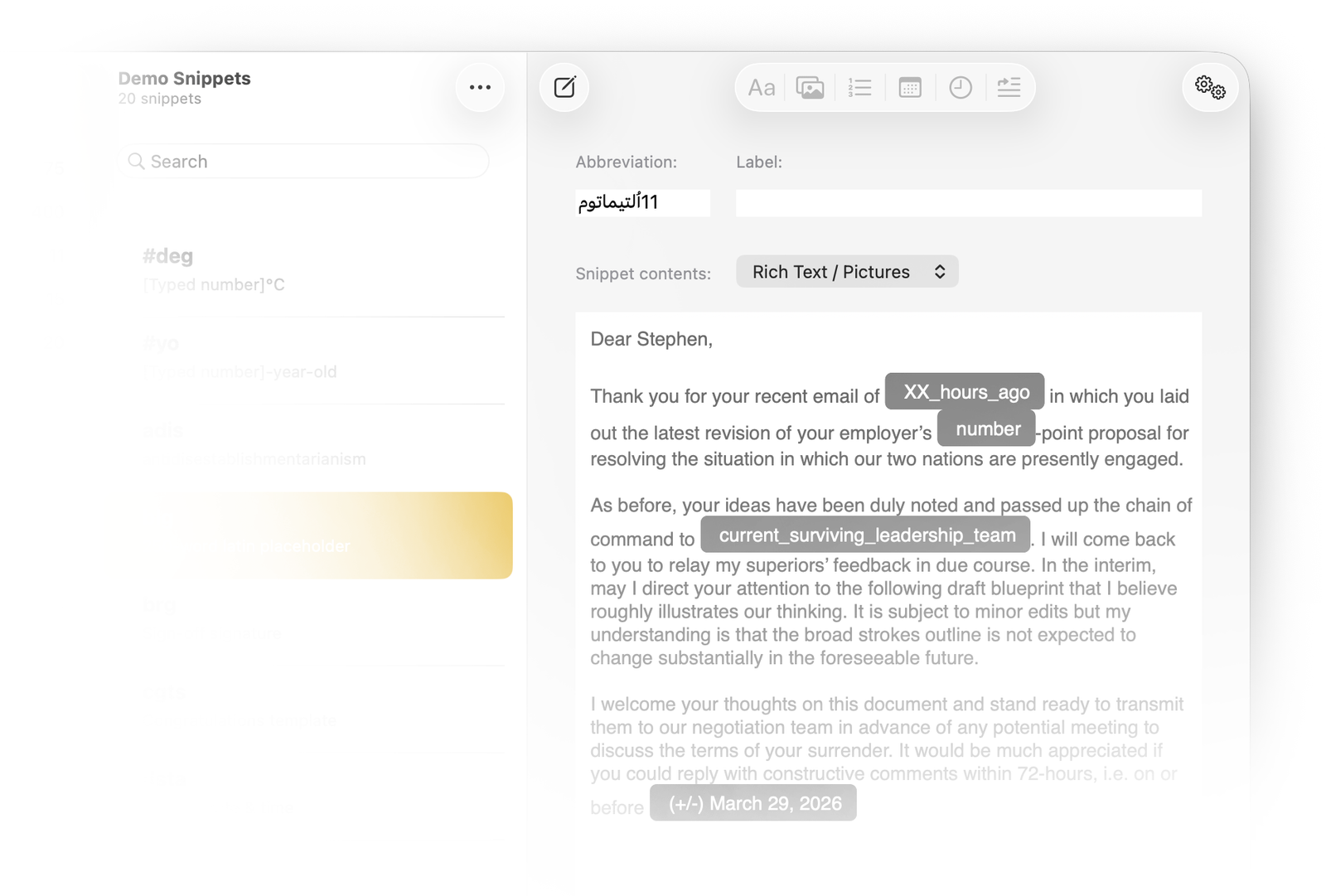
  • Abbreviations containing non-ASCII characters (Cyrillic, Korean, Chinese, Japanese, Greek, Arabic, etc.) are no longer prevented from expanding properly.
  • When crafting a pop-up menu, if you name it *after* adding the radio options, the name no longer replaces the final radio option value as soon as you click Done.
  • Abbreviations that include numbers now expand with correct capitalisation when you type the first letter with a capital.
  • You can now access the full range of rich formatting controls in the Add a Snippet window.
  • We’ve also corrected many other minor glitches, missing tooltips and localisation errors. (Do let us know about any outstanding ones, in case they’re not already on our radar.)
…and breathe out.

So, that’s what we’ve been up to all this time. Thanks for being so patient with us while we worked to get this update into the Mac App Store. We’ll do our best not to leave you waiting quite so long for the next update. Riccardo and I are already poring over the To Do list for version 7.2.1 so we can further improve your quality of life. Ultimately, we just want you to be happy. …Oh, hey, that reminds us, we do still need to take an evening off to catch up on Pluribus. Then we’ll get right on it after that.

Now available on the Mac App Store: TypeIt4Me 7.1

The weekend is so close…so very close, we can almost touch it. As ever, TypeIt4Me has kept us busy this past month. In addition to implementing some much-requested new features, we’ve made further progress on whittling down The List of Reported Annoyances. With the font size set to 8 and the display in portrait orientation, this wince-inducing catalogue of failures is now almost short enough to view at a glance without scrolling. How about that? Anyway, if you head over to the Mac App Store you’ll see that TypeIt4Me 7.1 is now available to download. Read on for an overview of what you can expect from this latest update.

What’s New and Improved in TypeIt4Me 7.1 (203):

Added features:
  • By popular request, there’s a new setting to stop the main TypeIt4Me window opening on launch.
  • “New Predefined Set” has been added to the TypeIt4Me menu, for increased discoverability.
  • There are several new predefined date formats to choose from when inserting a dynamic date in a snippet.
  • When the “Show in Menu Bar” app icon setting is selected, you can now choose whether the TypeIt4Me icon should also show temporarily in the Dock while the main app window is open.
Bug fixes:
  • Fixed a bug that would add an unwanted carriage return after expanding a prompt snippet.
  • When TypeIt4Me is in the Dock but the window is closed, clicking the Dock icon now opens the window.
  • Fixed a bug that would cause the TypeIt4Me icon to reappear in the Dock despite “Don’t Show App Icon” being selected in Settings.
  • Fixed a bug that could prevent adding multiple fill-in options / prompts to a rich formatted snippet.
  • All options in the View menu for sorting snippets now work correctly and the sort order for each set is reflected in the point-and-click menu.
  • Fixed a bug that would sometimes cause the snippet formatting popover menu to close immediately when opened.
  • Improved compatibility with WhatsApp.
  • Fixed a bug affecting nested snippets that contain rich formatting and / or pictures. Formatting and pictures are now correctly retained on expansion.
  • The position cursor special function now works correctly in rich formatted snippets.
  • Fixed a bug where abbreviations would remain when expanding snippets in File > Save dialogs.
  • Fixed a bug that struck when TypeIt4Me was set to show only in the Dock and the window was closed. Selecting “New Set” or “New Snippet” from the menu now opens the main TypeIt4Me window.
  • When you delete a snippet while in “Show duplicates” view it no longer reverts to showing the full snippet list, so you can continue to view, edit and delete duplicates.
  • Fixed a bug where the wrong fill-in option / prompt would be renamed when saving changes if more than one fill-in option / prompt with the same name was present in the snippet.
  • Fixed bugs that would result in the wrong popover preview content sometimes being shown. This could happen when quickly moving the pointer over adjacent fill-in options / prompts in a rich formatted snippet.
  • When adding a “Don’t expand in” or “Only expand in” rule to a set, Safari now correctly appears in the list of apps you can apply the rule to.

…Phew.

This one turned out to be quite a substantial update. Thanks again to everyone who has been in touch to suggest new features and / or to make us aware of stuff that’s not working as expected. Together, we’ll whip this app into shape yet.

TypeIt4Me 7.0.2 has arrived. It brings bug fixes and performance improvements galore.

Thursday! What a concept. After weeks of hard graft spent sweating our way through Operation Midnight Ham Sandwich Operation Bug Spray we can at last announce that TypeIt4Me 7.0.2 is available to download. Coming hot on the heels of last month’s update, this one contains a veritable cornucopia of bug fixes. You should also find that it’s generally more robust, performance-wise.

Release notes for TypeIt4Me 7.0.2 (171):

  • Fixed more bugs that could cause CSV import problems. Also added support for a third column, for those who wish to import labels along with abbreviations and snippet content.
  • Fixed a bug affecting German keyboards that would prevent expansion of abbreviations containing these characters: ^ ° ` ´ §
  • The “All punctuation resets abbreviation” option in Expansion settings was not working correctly. Now it does.
  • Fixed a bug that would cause problems attempting to save changes to snippets containing emoji.
  • After you type something in the search filter above the snippet list, it’s now correctly cleared when you switch to another set.
  • Fixed a bug that broke Pause / Resume in the TypeIt4Me menu.
  • After selecting a file in Finder and pressing the Enter key to rename it, expansion now works as expected.
  • Fixed a bug that would leave the first letter of an abbreviation behind after expanding a snippet in the Chrome URL bar.
  • Usage metadata and statistics now update correctly for rich formatted snippets that contain dates and / or special TABs
  • Fixed: the Add a Snippet window now correctly displays a warning again when you attempt to define an abbreviation that already exists. It once again gives the option to create a duplicate or overwrite the existing snippet.
  • Fixed a bug in the text formatting popover menu that could cause the SF symbols on text alignment and hyperlink buttons to display as question marks.
  • Rich snippets with abbreviations that involve holding the shift key or that begin with 2 numbers or more no longer expand in Unwanted Title Case.
  • The app now prevents attempts to combine special function characters (e.g. ⌫⇥⇤⏎␊↓↑←→⎢) in a snippet with fill-in field options and / or pulldown menu prompts. Mixing these is not supported.
  • The “Add a Snippet” window now does a better job of preserving rich formatting attributes when you select text and invoke it.
  • Improved support for formatting and saving non-latin alphabet characters.
  • Attempting to expand a snippet that contains an empty autocue placeholder no longer results in a crash.
  • Fixed a bug that could cause a square symbol to be appended to the end of expanded snippets when using the esc key as a trigger.
  • Numerous stability and performance improvements.

Once again, many thanks for your patience. There are of course further bugs still on our list of things to fix, as well as a number of requested features to add. We hope to be able to submit the next build to Apple for review in a couple of weeks.